
You leave with a stack, not a reading list.
What you need: a laptop, one real problem from your own work, and accounts you can connect. Sample data is how sessions become theater.
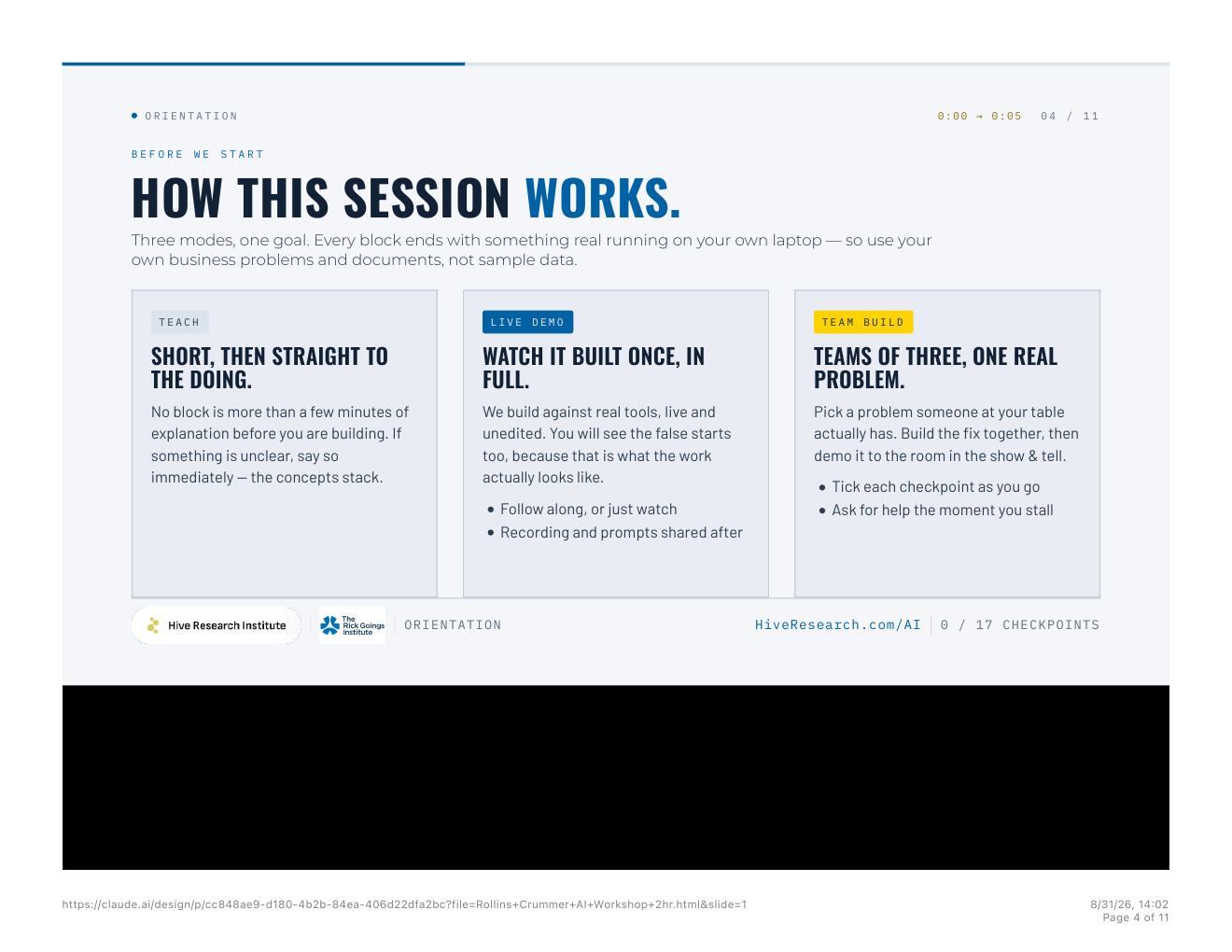
A few minutes, then the doing. If something is unclear, stop. A confused table will fake the next checkpoint.
Built once, in full, false starts included. Follow along, or watch. Prompts go home with you.
Teams of three. One problem someone at the table owns. If a block ends with a slide and not a file, the block failed.
Module 01 · Foundations
Voice first
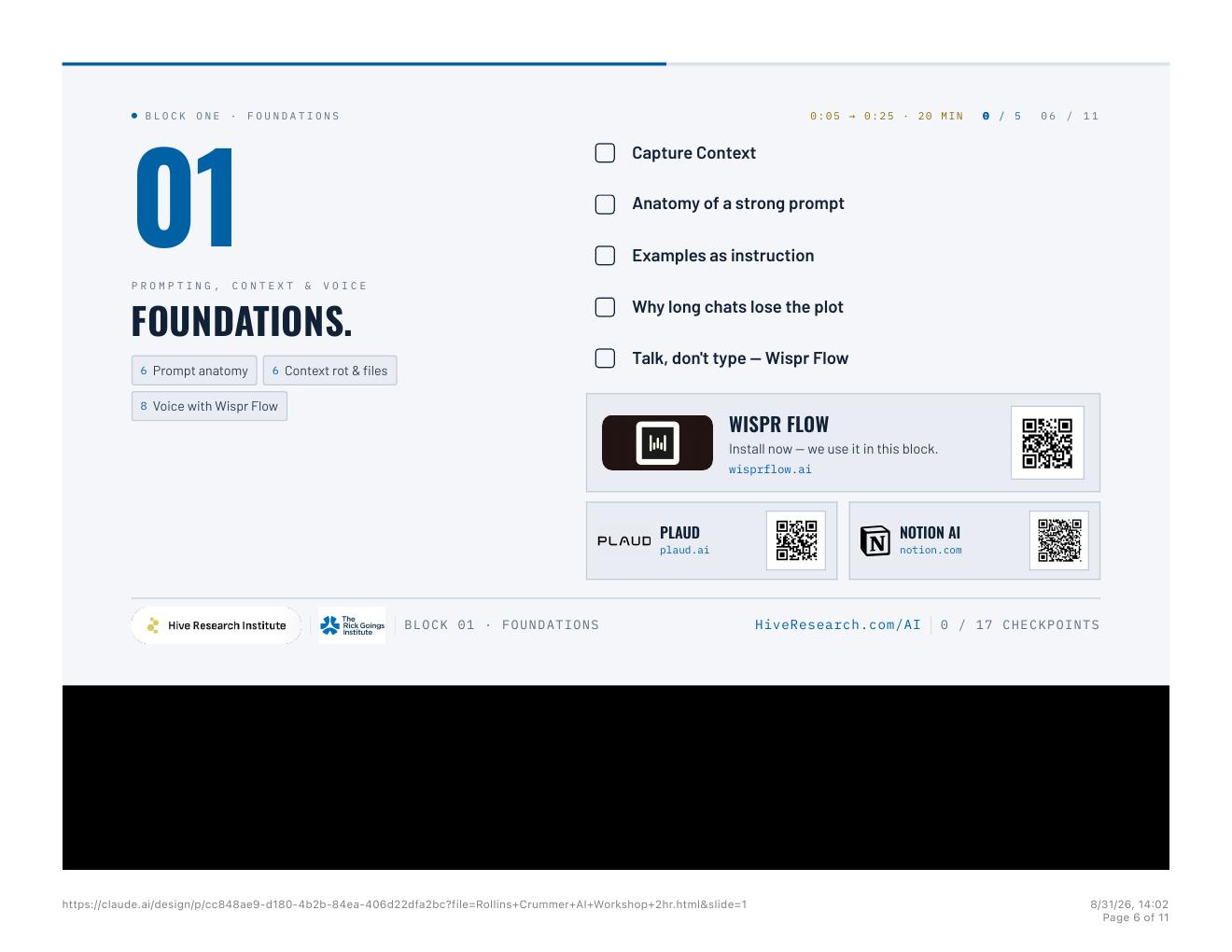
The number on the model card is not the memory you can spend. In class we ran a number-string exercise: most people top out around eight digits. Classroom framing, not a lab measurement: treat usable context as roughly 25 to 35 percent of the advertised window. Stop eternal threads. Two or three prompts per chat, then start a new one. Put the work in files, projects, and connectors — not in a chat dump the model will quietly forget.
If you cannot write the prompt, do not stare at the box. Tell the model to interview you. One question at a time. Multiple choice. It is designing the brief you should have written. Talk it with Wispr Flow.4 Do not trust one model: open three tabs, same job, you hold the gavel.
On the brain-scan point: MIT Media Lab. Nataliya Kosmyna and colleagues, “Your Brain on ChatGPT,” arXiv:2506.08872.14 EEG on 54 participants across LLM, search, and brain-only conditions. The LLM group showed the weakest neural connectivity. No percentage attached. If you outsource the reasoning, the reasoning gets quieter. Use the tool. Keep the work of checking.
- Install Wispr Flow. Use it on the next prompt, not later.
- Open a new Claude chat. Kill the 40-message thread if you still have one.
- Paste the interview prompt. Talk the answers, one at a time.
- When it writes the brief, check the anatomy: goal, context, examples, definition of done.
- For any decision that matters, run Model Council. Same brief. Two or three tabs. You hold the gavel.
Interview me before you write anything.

I have a real work problem. I need you to design the brief I should have written.

Rules:
- Ask one question at a time.
- Give me three to five multiple-choice answers, plus an option: other — I will type it.
- After each answer, ask the next question.
- Do not summarize until I say: write the brief.
- When I say that, write a prompt I can paste: goal, context, examples, constraints, definition of done.

Start with the first question: what job is this for?
Use this shape. Do not skip a line.

Goal: what I need back, in one sentence.
Context: who I am, what system this sits in, what is already true.
Examples: one good example of the output, or a close miss to avoid.
Constraints: what you must not do, what you cannot see, what stays human.
Definition of done: how I will know this is finished. Name the file, the length, and who inspects it.

Now write the [credit memo / weekly brief / board pack] using that shape.
Same job. Do not read the other models. I will hold the gavel.

Job: [paste the brief]

Return:
1. Your answer.
2. What you are least sure of.
3. What a competent skeptic would attack first.

Do not praise yourself. Do not claim consensus. Effort is a token budget, not a conscience.
Done when… a brief you talked, not typed, sitting in a new chat — and a Model Council printout (or three tabs) on one real decision.
Module 02 · Connectors and MCP
Connect before you ask
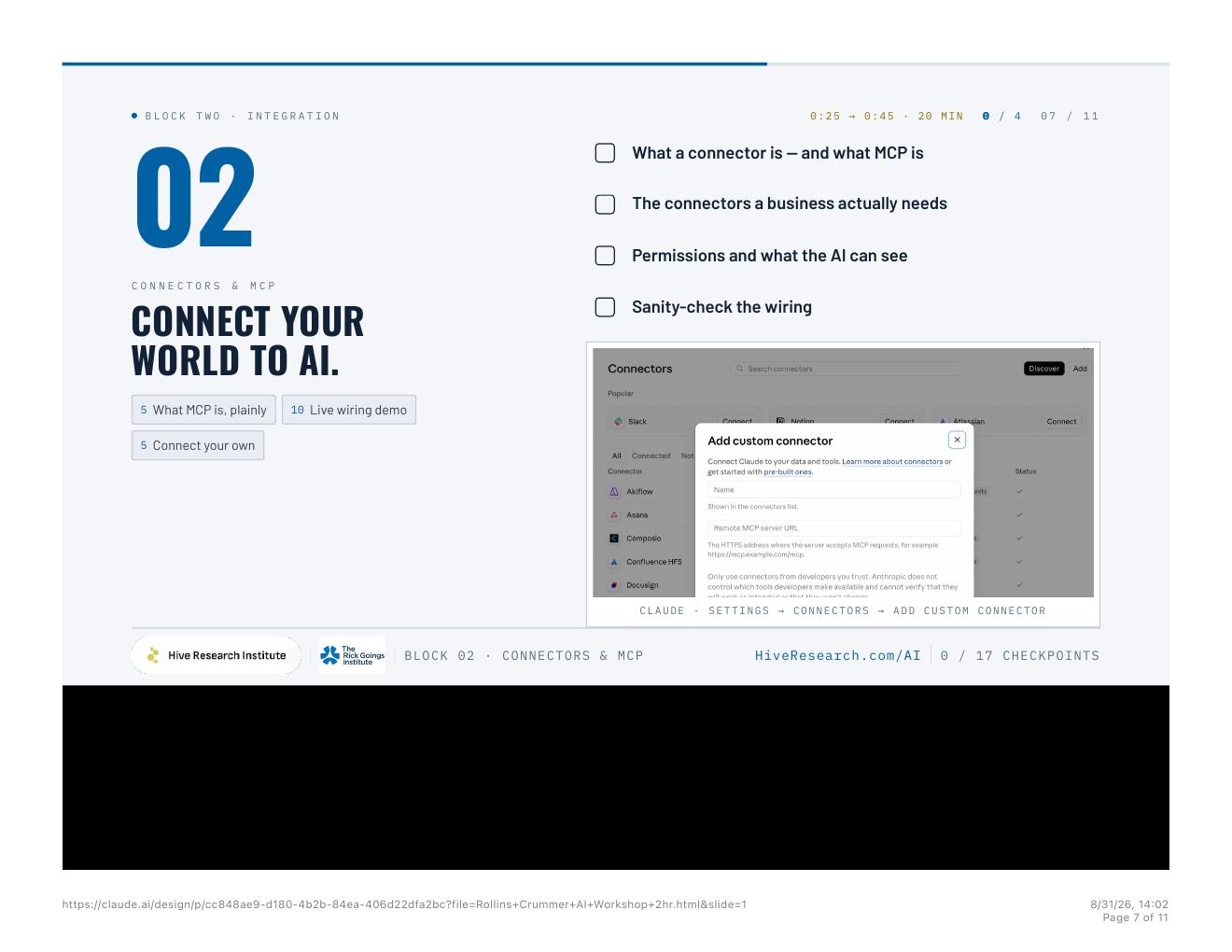
MCP is a way for the model to talk to the systems you already run, with permissions you can see.5,16 Wired-in AI beats copy-paste AI. Settings, then Connectors, then add one. Sanity-check the wiring. The model should answer from the live source, not from a PDF you pasted at midnight. If you cannot say what the model can see, you are not ready to connect it.
- Open Claude Desktop.6
- Go Settings → Connectors → Add. Connect one system you already live in.
- Write down the permission: what the model can see, and what it cannot.
- Ask a question only the live source can answer.
- If the answer came from a stale paste, the wiring failed. Fix permissions. Re-ask.
Sanity-check this connector.

Name the system you can see. Then answer a question that is only in that live source — not in this chat, not in a PDF I pasted.

Question: [one fact only that system would know]

If you cannot see it, say so. Do not guess. List the permission you used.
Done when… one live connector answering from the source system, with the permission written down next to the question.
Module 03 · Claude Cowork
Cowork on real files
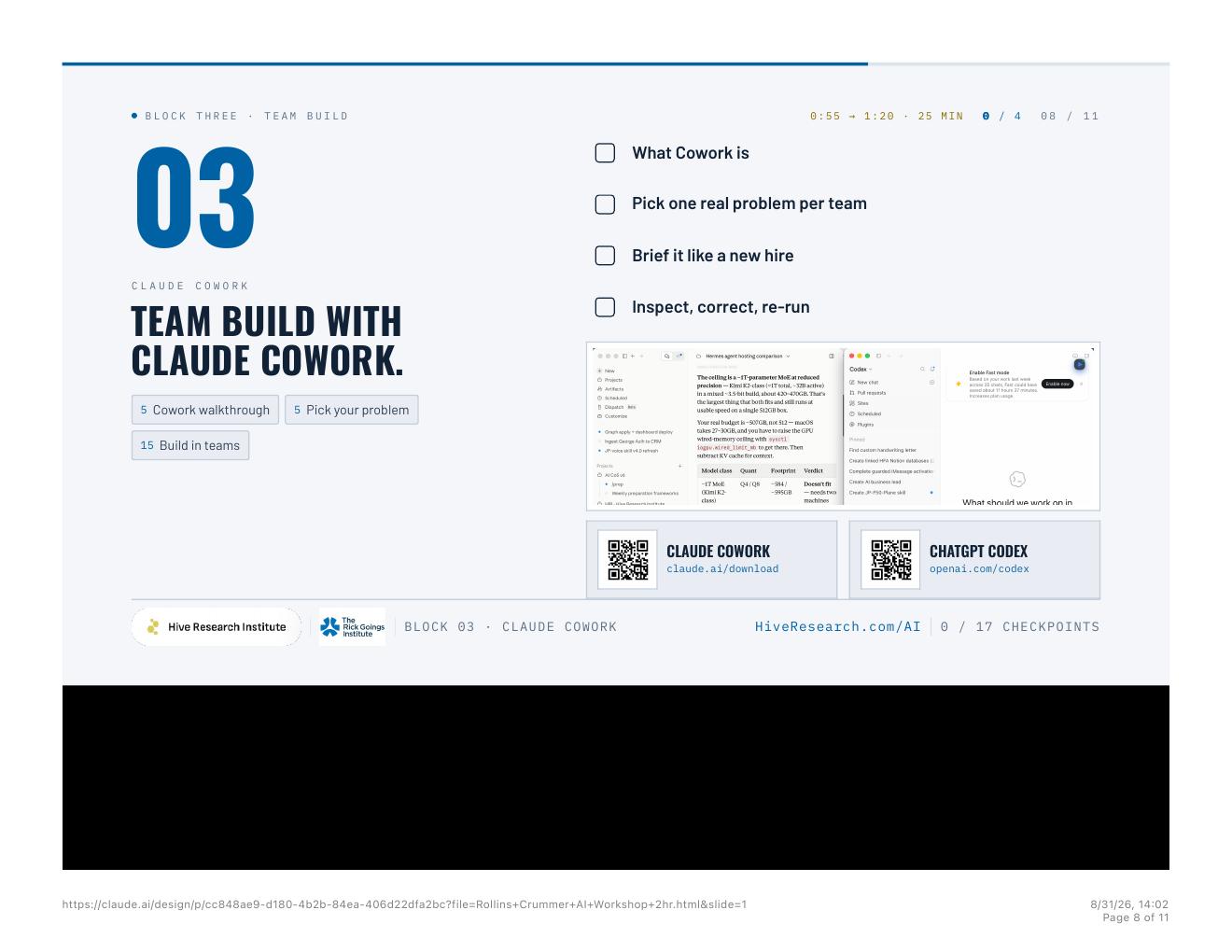
Cowork is not a smarter chat box. It is a junior colleague with file access.3,8 Give it a brief: the goal, the folder, the constraints, the definition of done. Then inspect the output the way you would inspect a new hire’s first week. Correct. Re-run. Do not accept a first draft because the interface felt confident. Chat is for a question. Work mode is for a sequence with files, tools, and a definition of done.
- Pick one real problem. Sample data is theater.
- Make a folder. Put the source files in it.
- Paste the Cowork brief. Goal, folder, constraints, definition of done, who inspects.
- Read the first output as a manager. Mark what is wrong.
- Paste the inspect prompt. Fix only that. Do not restart.
You start Monday. This is your brief.

Goal: [one sentence]
Folder: work only in [path]. Do not leave this folder.
Inputs: [files, connectors, what is already true]
Constraints: [what you must not do; what you can see]
Definition of done: [artifact, format, length]
Who inspects: I will read this as a manager, not as a fan. Flag anything you guessed.

Do not start until you can restate the brief in five lines. Then build.
Here is what is wrong. Fix only that. Do not restart.

Wrong:
- [specific miss]

Keep:
- [what was already correct]

Do not rewrite the parts that passed inspection. Do not invent a new plan. Show me the diff in the files.
Done when… a Cowork folder with a brief, a first draft, and a re-run after you marked what was wrong.
Module 04 · Agents everywhere
Agents and routines
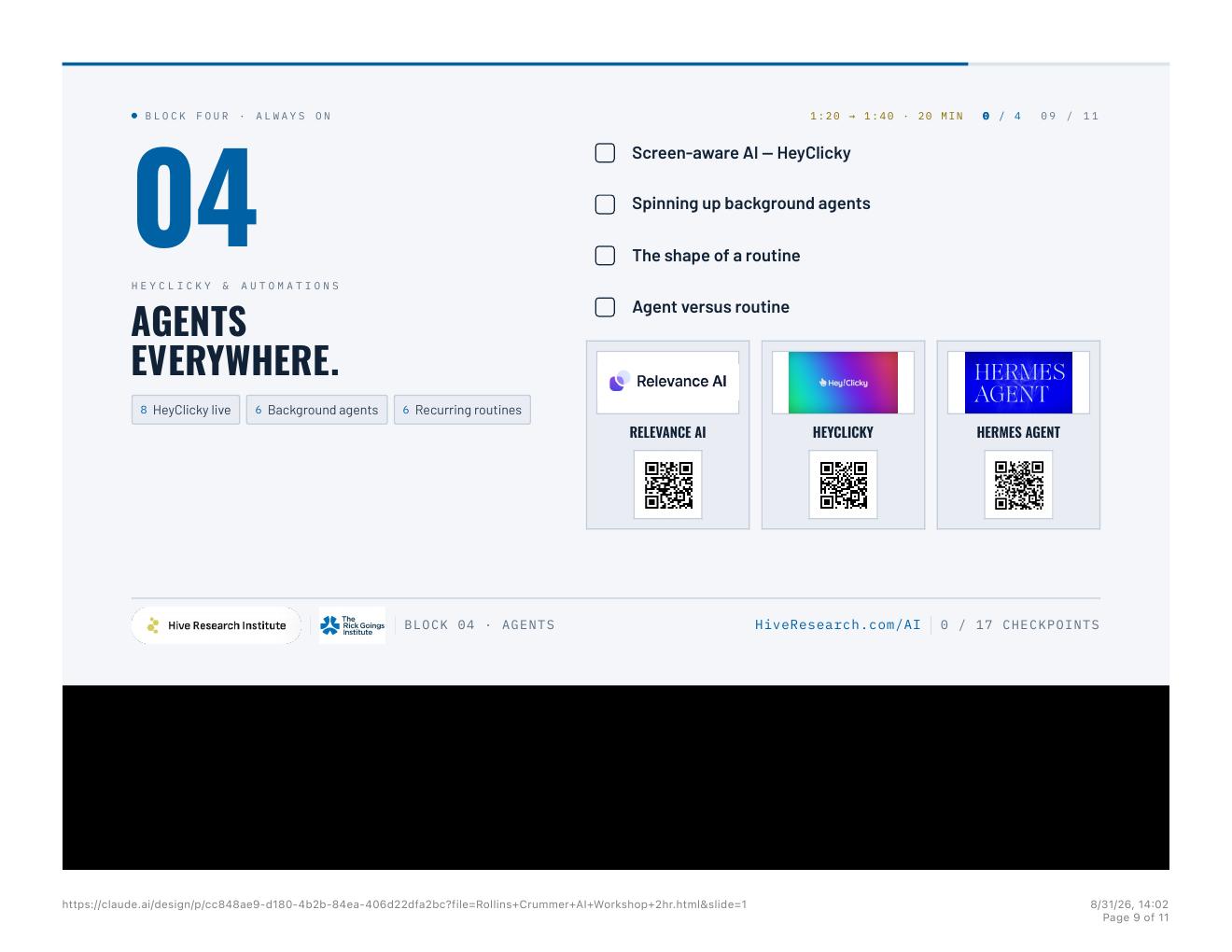
An agent takes a job. A routine takes a cadence. Decide which one you are buying. HeyClicky sits beside the cursor and sees what you see.7 Background agents and recurring watches scan, digest, report. Classroom framing: for most first deployments, start on hosted agent platforms — Relevance AI, or native ChatGPT and Claude agents. Call that the 80 percent path. Do not start with a self-hosted agent runtime. I do not recommend OpenClaw as a starter.
- Name the work: is this a job (agent) or a cadence (routine)?
- If you can see it on screen, try HeyClicky beside the cursor.
- Write the watch brief: cadence, source, output, what to escalate.
- Run it once in front of you. Then put it on the cadence.
- Start on the 80 percent path. Scope connector permissions in writing.
This is a routine, not a one-off job.

Cadence: [daily / weekly / after each close]
Source: [connector, folder, or feed]
Output: [where it lands, format, who reads it]
Escalate when: [exception, missing data, anything that needs a human]
Do not escalate: [the boring, correct cases]

Run it once in front of me. Then put it on the cadence.
Done when… a one-page watch brief for a recurring job, with an escalate line, that you have run once.
Practice
Four artifacts on your machine
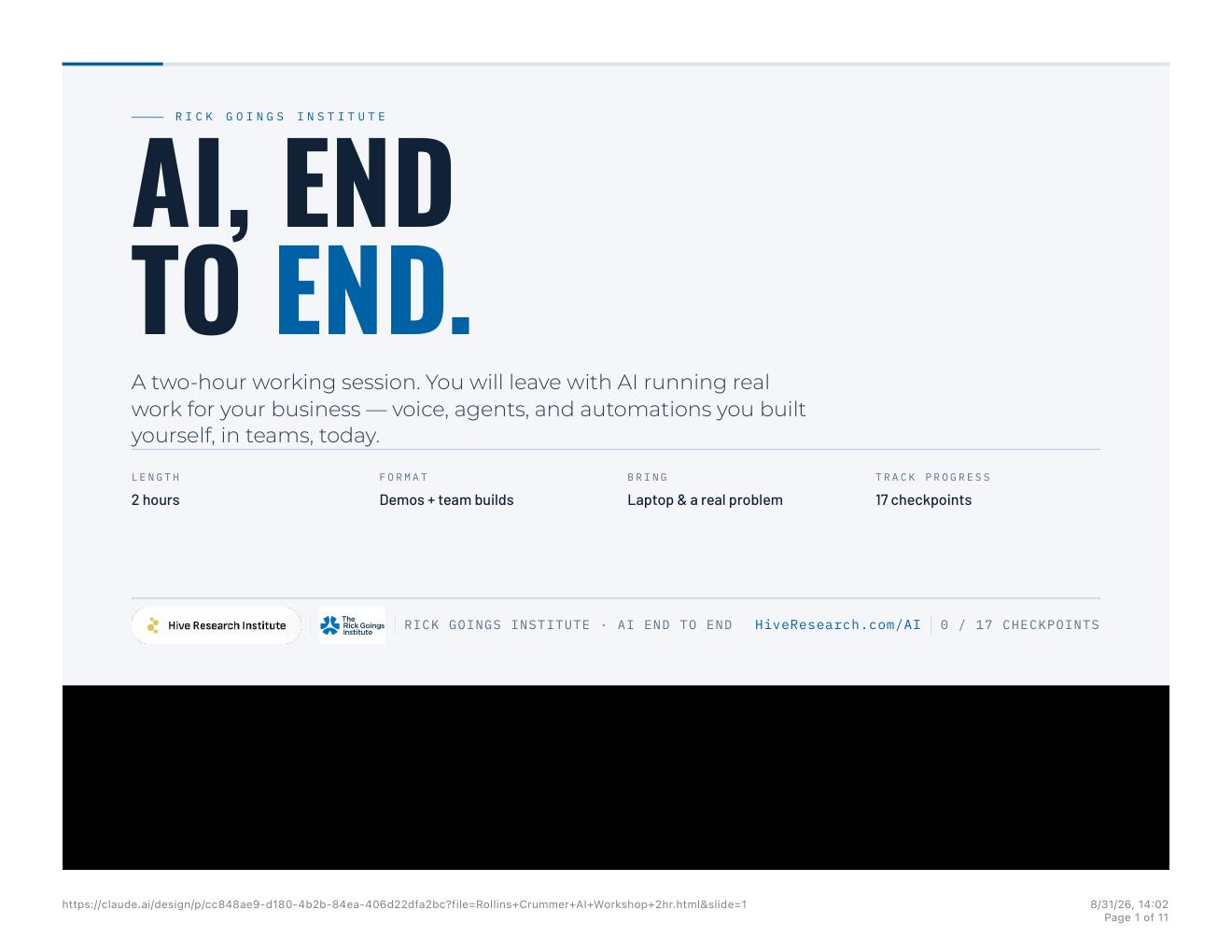
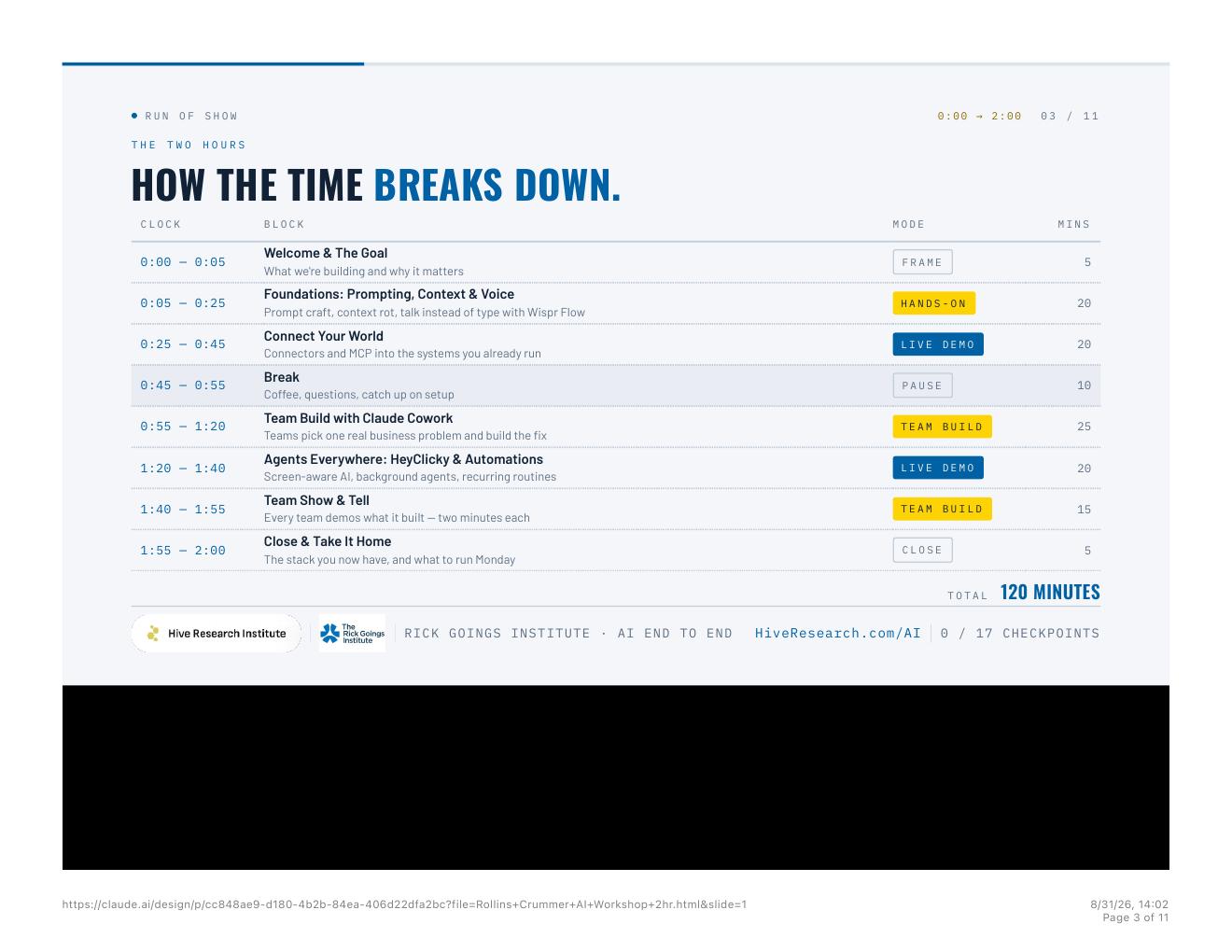
The two hours are not a lecture. Every block ends with something real. If you are running this alone, stop at each “Done when.” Do not skip ahead on slides.
- A brief you talked, not typed, plus a Model Council on one decision.
- One live connector answering from the source system.
- A Cowork folder: brief, first draft, inspected re-run.
- A watch brief with cadence, source, output, and what to escalate.
Toolkit
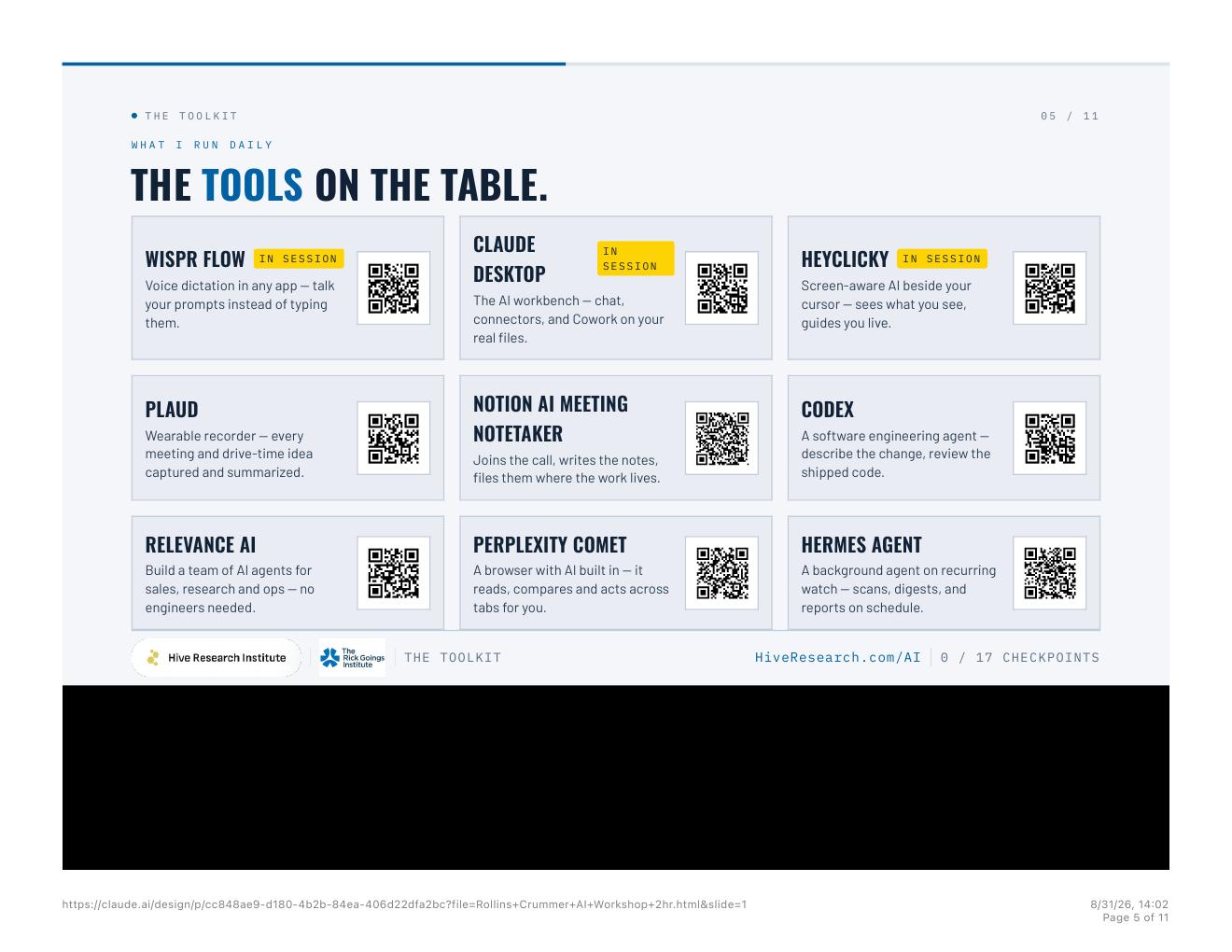
What sits on my machine
This is not a catalog. It is the stack from the session.1
Close
Then Monday
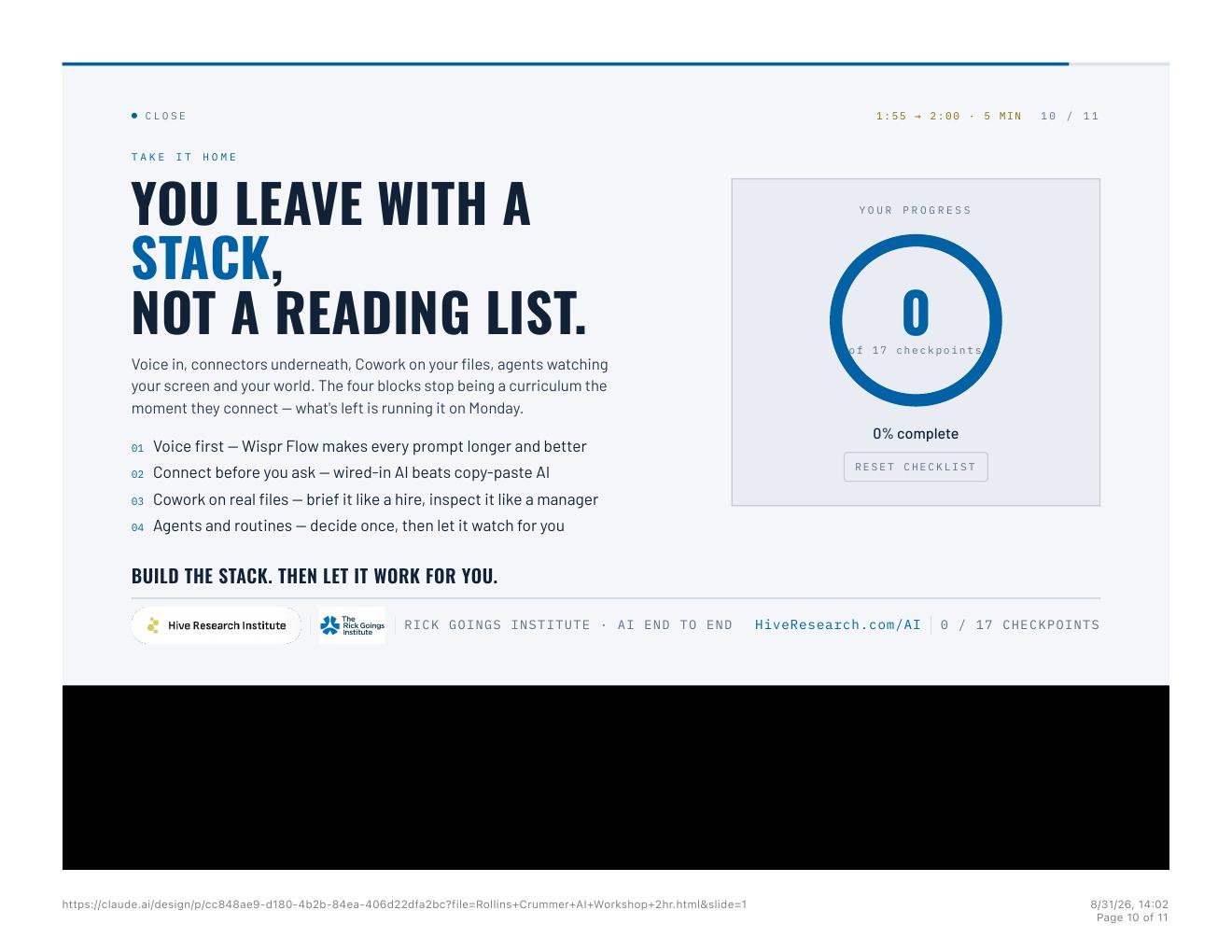
Take the stack home, run it Monday, and tell me what broke. I would rather hear about the friction than the compliments.
01 Voice first. 02 Connect before you ask. 03 Cowork on real files. 04 Agents and routines. Do not bolt a motor on the old loom. Redesign who drafts, who reviews, and what gets to a human. Finish with humans.
Deck, prompts, and build files: HiveResearch.com/AI. Write when something breaks: jp@hivefinancialassets.com.
About the speaker
JP James
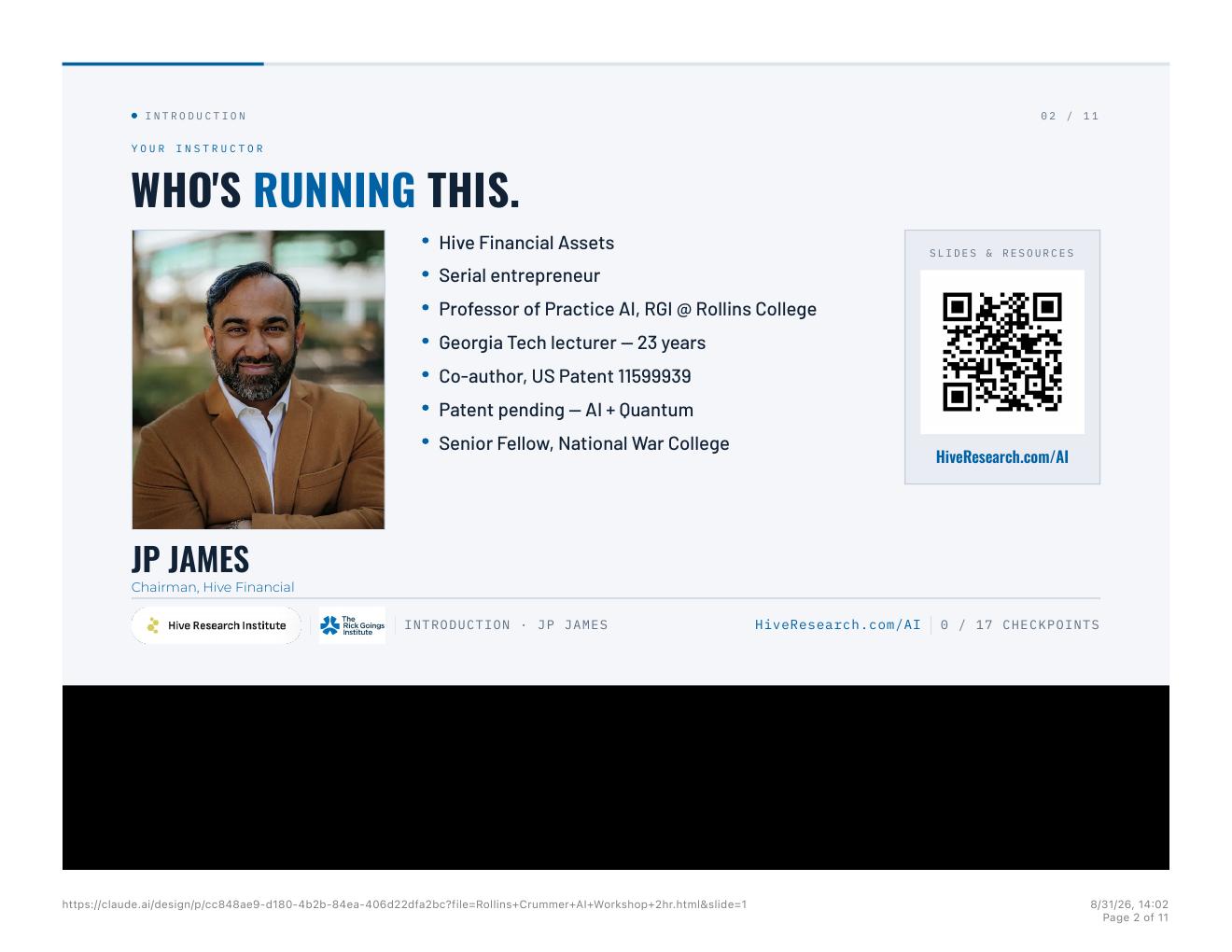
JP James is Chairman of Hive Financial Assets, Founder of Hive Financial Systems, and AI Professor of Practice at Rollins College, teaching at the Rick Goings Institute. He has lectured at Georgia Tech for 23 years, serves as a Senior Fellow at the National War College, and is co-author of US Patent 11,599,939 on machine learning in loan processing, with patent-pending work on AI, quantum, and multiagent orchestration.15 He also works on Peach Pilot, an outcome-priced company. The through-line is the same as the class: dignity in the work, AI you can govern, and people who can run the system on Monday.
Citations and References
- Hive Research — AI Lab. Session home for the stack, prompts, and class artifacts. https://www.hiveresearch.com/ai
- Hive Research — AI Lab (take-home). https://www.hiveresearch.com/ai
- Anthropic Help Center — Claude Cowork architecture overview. https://support.claude.com/en/articles/14479288-claude-cowork-architecture-overview
- Wispr Flow — voice dictation in any app. https://wisprflow.ai
- Anthropic — Introducing the Model Context Protocol (25 November 2024). https://www.anthropic.com/news/model-context-protocol
- Anthropic — Claude Desktop download (chat, connectors, Cowork). https://claude.ai/download
- HeyClicky — screen-aware AI on the Mac. https://www.heyclicky.com
- Anthropic — The Future of AI at Work: Introducing Cowork. https://www.anthropic.com/webinars/future-of-ai-at-work-introducing-cowork
- PLAUD — wearable recorder and meeting capture. https://www.plaud.ai
- Notion — AI Meeting Notes. https://www.notion.com/product/ai-meeting-notes
- OpenAI — Codex. https://openai.com/codex
- Relevance AI — agent teams for business workflows. https://relevanceai.com
- Perplexity — Comet browser. https://www.perplexity.ai/comet
- Nataliya Kosmyna et al., “Your Brain on ChatGPT: Accumulation of Cognitive Debt when Using an AI Assistant for Essay Writing Task,” arXiv:2506.08872, 10 June 2025 (v1; revised 31 December 2025). MIT Media Lab. EEG, 54 participants; LLM group showed the weakest neural connectivity versus search and brain-only. No percentage attached. https://arxiv.org/abs/2506.08872
- US Patent 11,599,939 — machine learning in loan processing. https://patents.google.com/patent/US11599939
- Model Context Protocol specification. https://modelcontextprotocol.io